Give tenants a place to explain the problem, add a photo and keep the report with their tenancy. Your company checks the details, arranges the next action and closes it when the work is done.
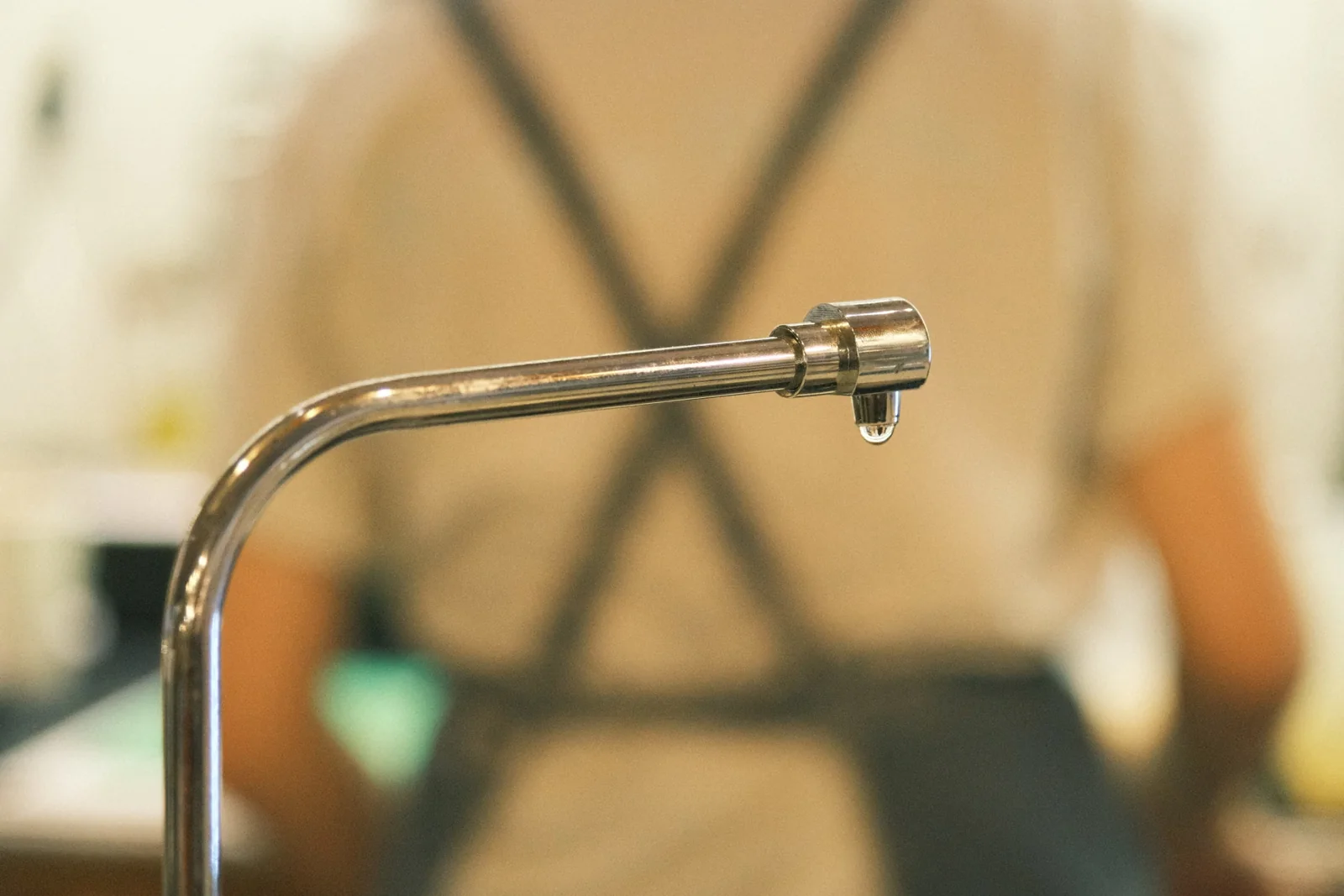
Kitchen tap leaking under the sink since this morning.
tap.jpgExample attachment · 1.4 MB
Reported · open
Saved with Unit 101’s documents.
Administrator email queued
The outbox shows the sending status.
✓
Closed by the administrator
After arranging the repair and checking the outcome.
Illustrative layout with fictional company, tenant and report details. The photograph illustrates the example; it is not a client’s uploaded photo.
From report to resolved
The details stay with the right tenancy.
The portal keeps the report together while your company handles the work.
The tenant reports it
Choose an issue type, explain what happened and where, then attach any useful photos.
Your company checks it
The report is filed and an administrator email is queued. Review the details and arrange the next action.
You close the report
Confirm the outcome after the work is done, then close the report. Its status turns green and the record stays available.
Inside the portal
Less chasing for details. More clarity about the problem.
01
A description and photos
The tenant’s Report issue panel asks for an issue type and a clear description. Explain what happened, where it happened and any useful details. Tenants can add JPEG or PNG photos, each 2 MB or less, to help the manager understand the problem.
02
A notification you can follow
Submitting an issue creates a report and queues an email notification for the company administrator to check it. Follow the sending status in Email outbox. Queued means waiting to send; it does not confirm that the recipient has read the message.
03
Filed with the property documents
The original report appears in Documents & notices for the administrator and the relevant tenant. The Issue reports tab keeps it easy to find alongside other tenancy documents, attached to the correct account.
04
A clear closed status
The administrator arranges the work and checks the outcome. Closing the report changes its status to green, making resolved items easier to distinguish from those that still need attention.
Questions about reporting
Can tenants add photos?
Yes. Use the report’s photo upload field for JPEG or PNG photos, keeping each file to 2 MB or less.
Does submitting a report automatically book a contractor?
No. The report provides the information for your property manager to arrange the work.
Where can I find the report afterwards?
Open Documents & notices → Issue reports in the administrator or relevant tenant portal.
Does a queued email mean it has been received?
No. Queued means waiting to send. The administrator can follow outgoing messages and any sending failures in Email outbox.
Free to use
Your portfolio. Your brand. R0 to get started.
No subscription, card or trial countdown. Create your company portfolio and use every feature.