01 · BILLING
Rental invoices and statements, together.
Prepare monthly rent and extra charges, record EFT payments, issue credits and email statements for the dates you choose.
Rent · OctoberR 7 500,00
Payments recordedR 0,00
BalanceR 7 500,00
 Albo Properties
FOR SOUTH AFRICAN PROPERTY COMPANIES
Rent invoices, statements, leases and maintenance reports for the properties you manage. Together, under your own company name, logo and banking details.

ILLUSTRATIVE EXAMPLE · UNIT 101
Monthly rent invoice
R 7 500,00Your company details · EFT banking detailsEach has its own page with the full detail.
Here’s what they look like in practice.
01 · BILLING
Prepare monthly rent and extra charges, record EFT payments, issue credits and email statements for the dates you choose.
Rent · OctoberR 7 500,00
Payments recordedR 0,00
BalanceR 7 500,00

02 · TENANT PORTAL
Share leases, invoices, statements and notices in your branded portal. Track acknowledgements and send reminders.
Lease renewal.pdfSigned copy saved
Water shutdown noticeAcknowledged
Account statement.pdfAvailable

03 · MAINTENANCE
Tenants report problems with photos. The report lands with your company and stays filed with the tenancy documents.
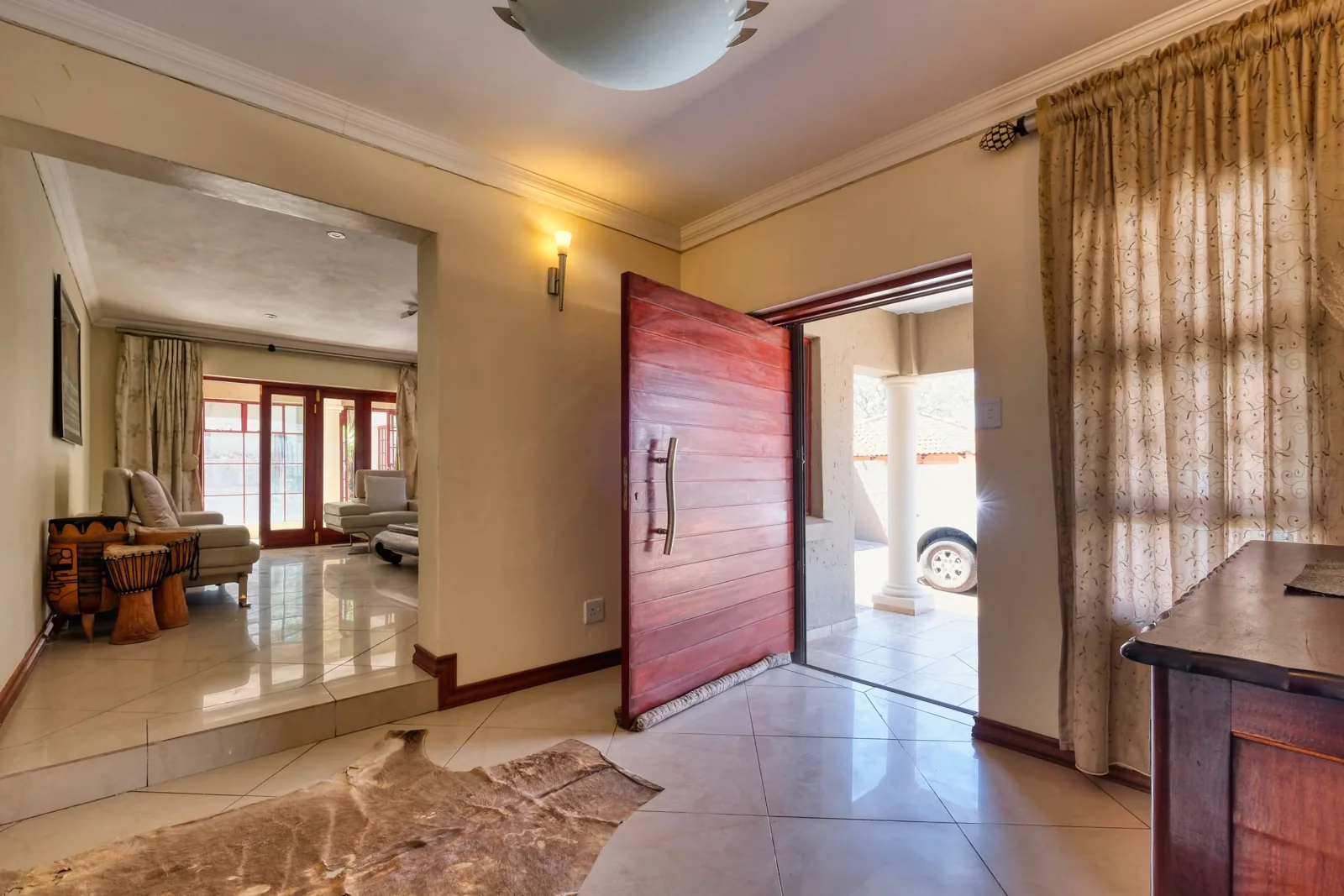
Stock photographs and illustrative examples with fictional details. Tenants pay your bank account; you record the EFT payment in the portal.
View an actual statement from the demo
EXAMPLE · REPORT ISSUE
Issue typePlumbingWhat happened?Kitchen tap leaking under the sink since this morning.Report saved with the tenancyThey describe the problem and attach JPEG or PNG photos, up to 2 MB per file.
The report is queued as an email to the administrator and filed with the tenancy documents.
Once the repair is done, close the report and keep the record.
Illustrative example with fictional details. For emergencies, tenants should phone their property manager’s urgent contact number.
Add your logo, contacts, bank details and monthly rent due day. New documents use your company details.
Keep full addresses and lease dates, add two-person joint tenancies with separate logins, and prepare future tenancies without overlapping lease dates.
Set the annual rate per tenancy. The system calculates daily interest on unpaid overdue balances and posts it with invoices; statements show posted interest.
See approaching lease expiries. Send renewal reminders and follow up on pending signatures until received.
Track outgoing messages and their queued, sent or failed status.
Manage staff access to your company portal. Read-only administrators can also upload property documents.
LEASE RENEWALS
Names, address, current rent, lease dates, banking details and contacts come from your saved records. Joint renewals require both full names and ID or registration numbers. Review the renewal, agree the new dates and rent, and confirm with your password when sending it.
Tenants with separate logins each confirm their signature with their password. Where two named tenants share one login, the signer confirms authority to accept for both. The completed PDF is saved in both portals and the agreed dates and rent update automatically. If a signed copy is returned by email, the administrator can review and accept it against the pending renewal.
Online signing is for renewals. For a first-time lease, use your own agreement or download the blank lease from your administrator’s Leases page.
Try renewal signing in the demoFREE TO USE
R0No subscription. No trial expiry. Every feature.
Create your company portfolio and use all the tools. If Albo saves you time, you can say thanks with a once-off coffee contribution through PayFast. Choose your own amount. It never changes your access.
SEE HOW IT WORKS
Open the interactive demo and switch between the administrator workspace and tenant portal. It uses fictional properties and tenants; emails and payments are simulated.
PROPERTY GUIDES & UPDATES
Practical steps and worked examples for your accounts, renewals and tenant portal.
Explore all guidesMAKE IT YOURS
Add its name, logo, contacts, bank details and billing preferences.
Record the address and the original lease details, dates and rent.
Send each tenant an invitation so they can choose their own password and open their account and documents.
Yes. Add your company logo, contacts, bank details and rent due day in Company details. Tenants pay the bank account you provide.
Yes. Open the demo and use its Admin and Tenant tabs. All examples are fictional; demo emails and payments are simulated.
Add the tenancy and send each tenant their password-setup invitation. Company owners, administrators and tenants of Albo and every registered company can sign in here. Their account opens the correct company portal.
No. Albo is free to use, with no subscription, trial countdown or card required. Coffee contributions are optional, once-off support.
ALREADY HAVE AN ACCOUNT?
Company owners, administrators and tenants of Albo and all registered companies sign in here.
Company owners, administrators and tenants can all sign in here.
Loading your secure sign-in…